What Is a Package Insert in Ecommerce?

What a Package Insert Actually Is
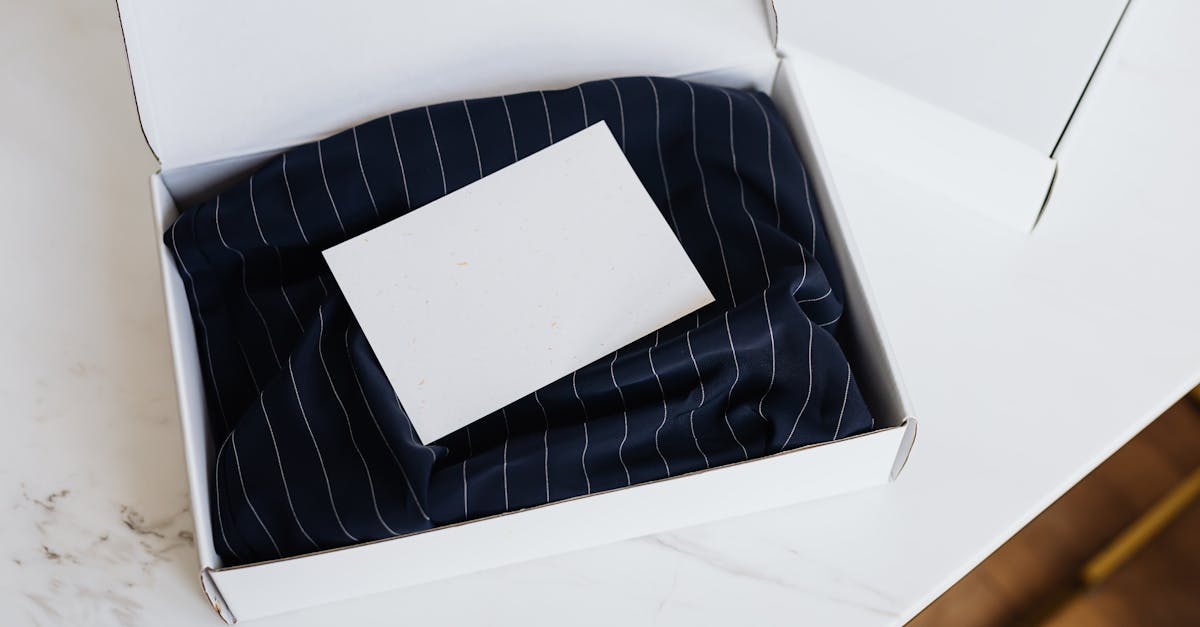
A package insert is any printed material you add to an outbound order that is not the product, the invoice, or the shipping label. In practice it is a small card, roughly the size of a postcard, carrying a short message and usually one action you want the customer to take.
The category is broader than most people assume. A thank-you note is an insert. So is a laundry care card, a sticker sheet with a discount code on the backing, a sample packet with a note, or a folded slip explaining how to use a product.
What separates an insert from packaging is intent. Packaging protects the product. An insert talks to the person. For merchants selling on OpoShop, that difference matters, because an insert is a marketing channel you already own and already pay shipping on.
One more distinction to get straight early: an insert is not a receipt. A packing slip lists what is in the box so the order can be checked and packed correctly. That is operations. An insert exists to build the relationship or drive the next purchase. Mixing the two is the most common beginner mistake, and it produces a card that does neither job well.
Why Package Inserts Work So Well
Package inserts work because of timing and attention, two things almost every other marketing channel struggles with.
Consider what happens when your parcel arrives. The customer chose to buy from you, waited several days, and is now opening a box they are looking forward to. Their attention is undivided. There is no scroll feed, no unsubscribe link, no spam folder. Whatever is in the box gets seen.
Compare that with email, which competes with dozens of other messages and often goes unopened. It is still worth sending, but the odds are structurally worse.
There are four reasons inserts punch above their weight:
- Guaranteed delivery: Every customer who receives an order sees the card. There is no open rate to worry about.
- Peak goodwill: The moment of unboxing is the highest point of positive feeling in the entire customer relationship.
- Near-zero marginal cost: The parcel is already being shipped. Adding a card costs a few cents and no extra postage.
- No platform in the middle: No ad auction, no algorithm change, no rising cost per click.
That last point keeps mattering more. Ad costs move and email deliverability shifts, but a card in a box arrives every time. For a small brand on OpoShop that cannot outspend bigger competitors on ads, owning a channel outright is worth a lot.
The Main Types of Package Inserts
Most stores only need two or three insert types, and picking the wrong one wastes the slot. Here are the formats that actually earn their place in the box.
- Thank-you card: A short, warm note that makes the order feel handled by a person rather than a warehouse. Best default for a first order.
- Reorder offer: A discount code for the next purchase, usually with an expiry date so it carries some urgency.
- Care or usage card: Instructions that help the customer get more out of the product and keep it looking new. Excellent for apparel, jewellery, candles, and skincare.
- Review request: A short ask with a QR code that goes straight to your review page.
- Cross-sell card: A pointer to a complementary product, useful when your catalogue has obvious pairings.
A quick example. A candle brand ships a $32 candle. A thank-you card makes it feel personal. A care card explaining the first burn and trimming the wick prevents the "it tunnelled" support email. A reorder card with 15 percent off inside 60 days lands right as the candle runs low. All three are inserts solving completely different problems.
You do not have to choose only one forever. Many OpoShop stores run a thank-you card as the default and swap in a reorder card for repeat-friendly categories like consumables.
How to Make a Package Insert for Your Store
The fastest path is to keep the first version simple, get real cards in real boxes, and improve from there. Perfect design is not what makes inserts work. Being in the box is.
Here is what those steps look like when you actually sit down to do it.
1. Decide what the card is for
Write the goal down before you write a word of copy. "Get more reviews" is a goal. "Look professional" is not, because it gives you nothing to measure and no way to decide what belongs on the card.
If you genuinely have two goals, print two cards and alternate. A card carrying a review ask, a discount code, a social handle, and a care guide is a card the customer skims and discards.
2. Write the copy like a person
The best insert copy sounds like a note, not a banner ad. Use the buyer's first name if you can generate the cards from order data. Say something true about how the order was packed. Keep it under about sixty words.
A line like "Thanks so much, Jane. Your order was packed by hand this morning" does more work than a paragraph of brand language, because it is specific and it is obviously about that one order.
3. Personalise from your order data
This is the step that separates a generic flyer from something that feels handled. If you can pull the buyer's first name, order number, and item count from your OpoShop store, a batch of two hundred cards can read like two hundred individual notes.
It also helps whoever packs the boxes. Printing the order number in small type at the bottom means the right card ends up with the right parcel, which matters a lot once you are shipping more than a handful a day.
Package Inserts vs Packing Slips vs Post-Purchase Emails
These three get confused constantly, and using the wrong one for the job is why some stores conclude "inserts do not work" when they never really tried one.
| Option | What it is for | Why it works | Watch-out |
|---|---|---|---|
| Package insert | Building the relationship and driving the next order | Guaranteed to be seen at the moment of highest goodwill | Costs a few cents per order and must be printed in advance |
| Packing slip | Listing contents so the order can be checked and packed | Operationally necessary and reduces picking errors | It is paperwork, so nobody keeps it or acts on it |
| Post-purchase email | Follow-up sequences, tracking, and later review requests | Free to send, easy to automate, and measurable | Competes with a crowded inbox and can go unopened |
The honest read is that these are complements, not substitutes. A packing slip is required for operations. An email is your best tool for anything time-delayed, like asking for a review two weeks after delivery. An insert is your best tool for the unboxing moment itself.
If you only have the energy to add one new thing this month, the insert is usually the higher-leverage choice for a small store, because it needs no list, no deliverability work, and no automation platform. You print it and you put it in the box.
What to Put on the Card
A good insert has four elements and stops there. Your logo or business name, a short human message, one action, and one way to take that action.
Most OpoShop stores get the first three right and then lose the card on the fourth. The action is where most cards fall apart. "Follow us on social" is weak because it asks for something that benefits you and gives the customer nothing. "Scan for 15 percent off your next order, good through October" is strong because there is an obvious reason to act and a reason not to put it off.
QR codes work, but only when three things are true. The code is big enough to scan comfortably, around one inch square at minimum. It is printed at real resolution rather than stretched up from a screenshot. And it leads somewhere useful, because a customer who scans and lands on a generic homepage will not scan the next one.
Expiry dates matter more than most merchants expect. A discount with no deadline gets set aside and forgotten. Sixty days is a reasonable window for most categories, long enough not to feel pushy and short enough to prompt action. For consumables, match the window to how long the product actually lasts.
Common Package Insert Mistakes
Most insert problems are not creative problems. They are setup problems that quietly cost sales.
The first mistake is treating the card as a brochure. Five messages compete with each other and the customer picks none. One card, one job.
The second is printing at the wrong size. A design laid out on a letter page and scaled down produces a card with a hairline of white on one edge and a QR code too small to read. Design at the finished trim size from the start.
The third is a dead QR code. A link that goes to a page you later deleted, or a code generated from an image that got compressed somewhere along the way, is worse than no code at all. The customer tries, it fails, and they conclude your brand is sloppy.
The fourth is a discount code that does not work at checkout. Nothing burns goodwill faster than a customer typing in the code from your card and getting an error. If you print a code, create it in your OpoShop store first and test it yourself before the cards go in any boxes.
The fifth is never changing anything. Merchants print five hundred cards, put them in boxes for a year, and never find out whether they worked. Even a rough measurement beats none.
How to Tell If Your Inserts Are Working
You do not need a full attribution stack to know whether inserts are earning their keep. You need one measurable action per card.
If the card carries a discount code, count redemptions in your OpoShop discounts list. That number is unambiguous, because the only way to have that code is to have received the card. If the card carries a QR code, use a link you can track, even a simple one, so you can see scans over time.
If the card asks for reviews, watch your review count in the weeks after you start. A visible jump from the same order volume tells you what you need to know.
Give it a real window. Inserts work on the customer's timeline, not yours. A card with a sixty day expiry cannot be judged after two weeks. Print consistently for a month, then read the numbers against how many orders shipped.
Best answer: A package insert is a printed card you put in the box, and it is the only marketing message every customer is guaranteed to see. Start with one 4 by 6 inch card that does exactly one job, personalise it from your OpoShop order data so it reads like a note rather than a flyer, put a working QR code and a real expiry date on it, and measure one action. That simple version outperforms an elaborate card you never actually print.
If you want the practical version of this, the next step is generating a card from your real orders rather than designing one from scratch.
FAQs
How much does a package insert cost per order?
Printed at home on card stock, a 4 by 6 inch insert runs roughly 3 to 8 cents per card depending on your printer and paper. A local print shop doing a few hundred at once usually lands between 5 and 15 cents each. Because the parcel is already shipping, there is no extra postage, so the card is one of the cheapest marketing placements available to a small store.
Do I need a designer to make a package insert?
No. The cards that perform best are simple: a business name or logo, a short message, one action, and a QR code. A clean card with good copy beats an elaborate one with a weak call to action, and most merchants can produce something good without any design software.
What size should a package insert be?
4 by 6 inches is the safest default because it fits nearly any parcel and gives a QR code room to be scannable. A6 is the common metric equivalent. Business card size works for a small pouch or a jewellery box, but it is tight once you add a QR code and a discount.
Can I put a discount code on a package insert?
Yes, and it is one of the highest-performing insert types. Create the discount in your store first, test it at checkout yourself, and print an expiry date on the card so it prompts action instead of being set aside. A code unique to each order also lets you count redemptions accurately.
Should every order get the same insert?
Not necessarily. A common approach is a thank-you card for first-time buyers and a reorder offer for repeat customers, or a care card for products that need specific handling. Start with one card for everything, then segment once you know which message earns the most response.
Are package inserts worth it for low-margin products?
Often yes, because the cost is measured in cents while the upside is a repeat customer. The thing to adjust is the offer, not the card. On thin margins, a review request or a care card can be a better use of the slot than a discount that eats what little margin the product has.
Ready to make the unboxing moment do some work? Start with one card in every box.