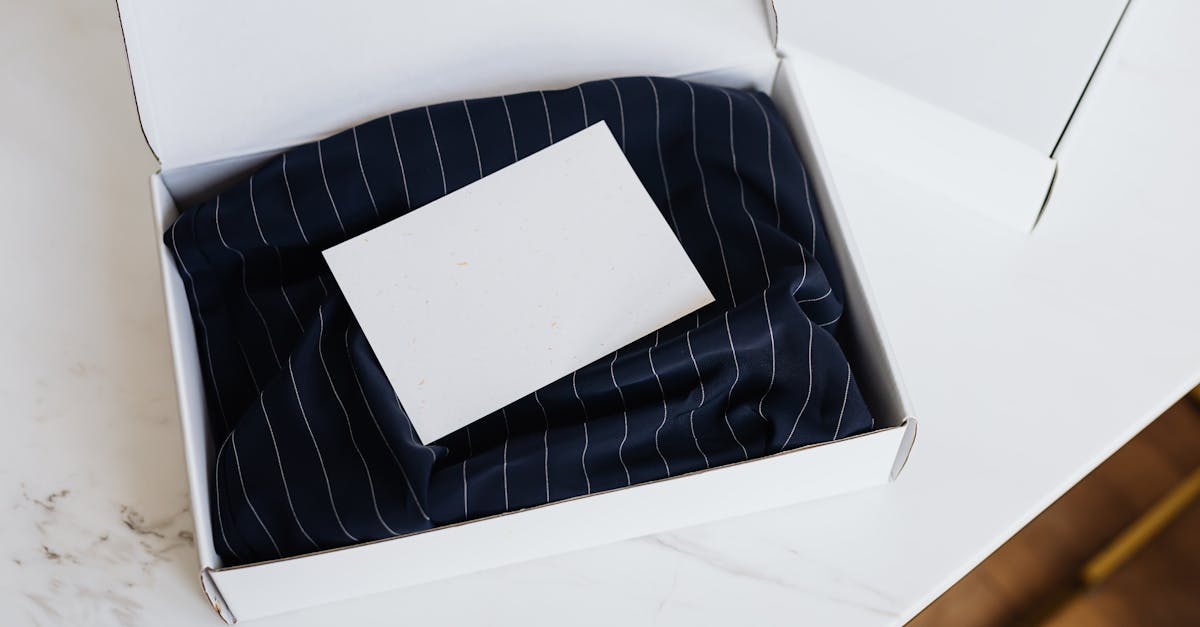
How Do I Make Branded Package Inserts for My Orders?
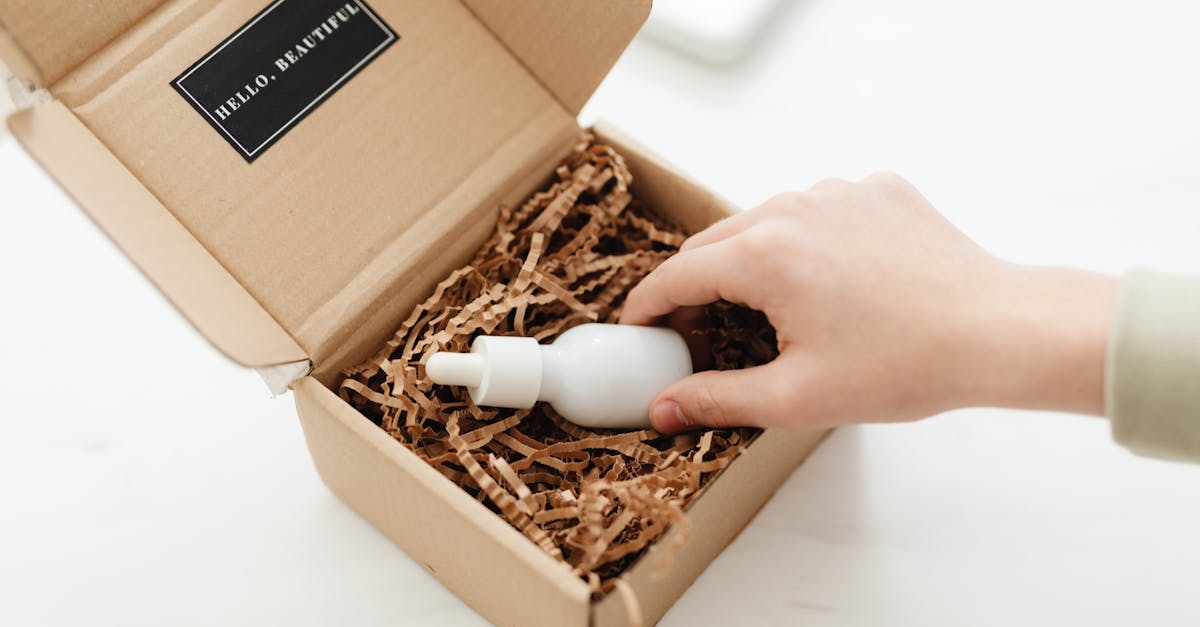
What Makes an Insert Feel Branded
An insert feels branded when three things line up: it looks like your store, it sounds like you, and it clearly belongs to that specific order.
Looking like your store is the easy part. Your logo, one accent colour used consistently, and a typeface that does not fight the rest of your identity. You do not need a full brand system. You need the card to look like it came from the same place as the packaging.
Sounding like you is where most cards fail. A card that says "Thank you for your purchase. We value your business" could have come from anyone. A card that says "Thanks so much, Jane. Everything in here was packed by hand this morning" could only have come from a small brand that actually packs by hand.
Belonging to the order is the part that surprises people. When a card carries the buyer's first name and the order number, the whole thing reads differently. It stops being a flyer that was printed a thousand at a time and becomes a note. For merchants on OpoShop, that data is already sitting in the order, which is why generating cards beats designing them.
Design or Generate: Pick the Right Approach
There are two ways to get cards into boxes, and they scale very differently.
Designing means opening a graphics tool, laying out a card, exporting a PDF, and printing a stack of identical copies. It works. It is also completely static. Every customer gets the same card, and changing anything means going back to the design tool.
Generating means defining the card once as a template and letting software fill in the per-order details. The layout stays fixed, the name and order number change, and a discount code can be minted per order.
- Designing: Fine for a first test or a store shipping a handful of orders a week. Zero personalisation, and every change is manual.
- Generating: Better past about twenty orders a week. Personalised copy, per-order codes, and one PDF for a whole batch.
- Hybrid: Some brands print a generic base card and handwrite the name. Lovely, and it stops working the day you ship fifty orders.
The honest test is your order volume and your patience. Most OpoShop stores cross that line sooner than they expect. Handwriting notes at ten orders a day is charming. At fifty it is an hour of your evening, every evening, and it is the first thing to get dropped in a busy week.
Choosing a Size and Layout
Size decides how much you can say and how the card feels in the hand. It is the one decision OpoShop merchants most often get wrong on a first attempt. Get this right before you write a word of copy.
4 by 6 inches is the default for good reason. It fits nearly any mailer, it holds a headline, a short message, a discount block and a QR code without crowding, and it is a standard photo size so printing is cheap everywhere.
A6 is the metric equivalent at roughly 105 by 148 millimetres. If you are printing in Europe or your print shop quotes in A sizes, use it.
5 by 7 gives you room to breathe and reads as more premium, which suits higher-priced goods. A5 is bigger again and works well as a care guide with several bullets.
Business card size, 3.5 by 2 inches, is the one to be careful with. It suits a jewellery box or a small pouch, but a QR code plus a discount code plus a message does not fit comfortably. Pick two of those three.
Layout choice matters too. A single-card-per-page PDF is what a print shop wants: the page is the card, so there is nothing to explain. A tiled sheet with several cards on a letter page and crop marks is what you want if you are printing at home and cutting yourself.
How to Build Your First Branded Insert
Do not try to design the perfect card. Get a real one into a real box this week, then improve it with actual feedback.
Here is how each of those goes in practice.
1. Set the brand once, not per card
Upload a PNG or JPEG of your logo, set your accent colour to the same hex you use on your site, and save a default sign-off. Doing this once means every future card is on brand automatically, including cards you make in six months when you have half forgotten the details.
A note on logo files. Only PNG and JPEG embed reliably in a print PDF. An SVG or a WebP will often silently fail to appear, and you will not notice until the cards are printed. If your logo is a vector, export a high-resolution PNG for this purpose.
2. Write copy that survives being read once
Assume the customer reads your card for four seconds while holding a product in the other hand. That is the real constraint.
Lead with the thing that matters. If it is a discount, the discount is the headline. If it is a thank you, thank them in the first line. Do not open with your brand story. Nobody unwrapping a candle wants to read about your founding.
Merge fields make this easier than it sounds. Writing "Thanks for your order, {{first_name}}" once produces two hundred correctly personalised cards, and stores running on OpoShop already have that name attached to every order.
3. Test one card before you print a hundred
Print exactly one. Hold it. Scan the QR code with your own phone. Check the discount code actually works at your own checkout. Put it in a real box and see how it sits.
This five minute step catches nearly every expensive mistake: a QR that leads nowhere, a code with a typo, text that runs too close to the trim edge, a card that is a quarter inch too wide for your mailers.
Printing at Home vs Print Shop vs Print on Demand
How you print changes your cost, your turnaround, and how good the card feels.
| Option | Best for | Why it works | Watch-out |
|---|---|---|---|
| Home printer | Under 100 orders a month, personalised cards | Print exactly what you need today, including per-order names and codes | Cutting takes time and colour varies between printers |
| Local print shop | 200+ identical cards, heavier stock | Sharper colour, thicker card, and someone else does the cutting | Personalisation is impractical because every card is the same |
| Print on demand | Brands already using a POD partner | No equipment and no minimum order | Slowest to change and usually the highest per-card cost |
Most small OpoShop stores start at home and stay there longer than they expect, because personalisation is worth more than premium stock. A card with the customer's name on plain 250gsm beats a beautiful generic card on heavy linen.
The crossover point is usually volume plus a static message. Once you are shipping several hundred orders a month with the same card, a print shop becomes both cheaper and better.
If you print at home, buy a guillotine trimmer rather than using scissors. A clean edge is most of what separates a card that feels professional from one that feels homemade, and a tiled sheet layout with crop marks makes the cutting fast.
Keeping Cards On Brand as You Grow
The failure mode for branded inserts is drift. Six months in, you have four card versions, two of them use an old logo, and one still advertises a discount that expired in spring.
Three habits prevent it.
Keep the brand at the store level, not the card level. Logo, colour and sign-off should live in one place that every card inherits, so updating your logo updates every card at once.
Keep the number of active cards small. Two or three is plenty for most stores: a default thank-you, a reorder offer, and a care card if your product needs one. Archive the rest rather than deleting them, so an old design can still be reprinted if a customer references it.
Put an expiry on anything time-bound. A card advertising a holiday promotion should have the date printed on it, so a stray card found in a drawer in March cannot cause an awkward support conversation.
The stores on OpoShop that do this well tend to have fewer cards than you would guess. They picked a card that works, and they print it consistently instead of redesigning it every quarter.
Common Branding Mistakes on Inserts
The mistakes here are boring and expensive, which is exactly why they are worth listing.
Using a low-resolution logo is the most common. A logo grabbed from your website is sized for a screen at 72 or 96 dots per inch. Printed, it looks soft and slightly fuzzy. Use the highest-resolution file you have.
Putting text too close to the edge is the second. Printers are not perfectly aligned, and a trimmer is not either. Keep everything important at least a quarter inch inside the trim.
Using a colour that fails on paper is the third. A neon accent that pops on a screen can print muddy. Print one test card before committing to a colour, especially if your brand colour is a bright green or a light yellow.
The fourth is inconsistency with your packaging. If your mailer is warm kraft brown and your card is cool blue-grey, the two look like they came from different companies. The card should feel like part of the same parcel.
The fifth is forgetting the back. A blank reverse is a wasted surface. It does not need much: care instructions, your handle, or simply your logo centred. An entirely blank back makes a card feel unfinished.
Measuring Whether the Card Is Doing Anything
A branded card that nobody acts on is just decoration. Pick one measurable action and watch it.
If the card carries a unique discount code per order, redemptions are the cleanest signal available, because the only way to hold that code is to have received that card. Counting them in your OpoShop discounts is a direct read on the card's performance.
If the card asks for a review, track review count against orders shipped over the same period. If the card drives newsletter signups, watch new subscribers with no other obvious source.
Whatever you pick, give it a full month. Inserts operate on the customer's timeline. Someone who receives a card today might scan it next week or use the code in five weeks.
Best answer: Make branded package inserts by setting your brand once, choosing a 4 by 6 inch trim size, writing one short message with a single call to action, and generating the cards from your OpoShop order data so each one carries the buyer's name and order number. Print one test card and scan the QR yourself before you print a batch. That workflow produces cards that look designed without you designing anything.
If you want to skip straight to a printable card, start from your real orders rather than a blank canvas.
FAQs
What file format should my logo be for a package insert?
Use a PNG or a JPEG at the highest resolution you have. Those are the two formats that embed reliably in a print-ready PDF. SVG and WebP files often fail to appear at all, and a logo pulled straight from your website is usually too low resolution and will print soft.
Can I personalise every insert with the customer's name?
Yes, if you generate the cards from your order data instead of designing them one at a time. Merge fields let you write "Thanks, {{first_name}}" once and have every card in a batch fill in the right name, order number, and item count automatically.
How many different insert designs should I have?
Two or three is enough for most stores. A default thank-you card, a reorder offer for repeat-friendly products, and a care card if your product needs handling instructions. More designs than that usually means some of them are stale and none of them get properly tested.
Should the insert match my packaging colours?
Yes. If the card and the mailer look like they came from different brands, the effect is worse than a plain card. Use the same accent colour you use on your site and packaging, and print one test card because bright colours can look different on paper than on screen.
How do I print inserts without a professional printer?
Use a tiled sheet layout that places several cards on a standard letter page with crop marks, print on 250 to 300gsm card stock, and cut with a guillotine trimmer rather than scissors. The clean edge is what makes a home-printed card look professional.
Is it worth printing inserts if I only ship a few orders a week?
Yes, and low volume is actually the easiest place to start. At a few orders a week you can print a sheet, cut it in a couple of minutes, and even add a handwritten line. The habit is what matters, because the card only works if it is in every box.
Ready to turn your orders into printable cards? Set the brand once and let every order fill in the rest.