Can I Use a Package Insert to Send Customers to a Care Guide?

Yes, a package insert can send customers to a care guide
A package insert is a practical place to send buyers to a care guide because the card shows up at exactly the right moment: when the customer has the product in hand. That timing matters. A care guide in the box feels helpful, not random.
For most brands, the choice is pretty simple. Use printed instructions when the message is short, like "trim wick to 1/4 inch before each burn" or "remove jewellery before showering." Use a QR code when the instructions need more room, photos, videos, or product-by-product detail.
If you sell through OpoShop, this is also easy to fit into your packing flow. You can generate inserts one order at a time or for a whole date range, print them, and drop them into each shipment without changing your checkout or packaging setup in your OpoShop store.
If you want to include a care guide, review link, or reorder offer in the same insert, plan the QR code destinations before you print.
What is a care guide package insert?
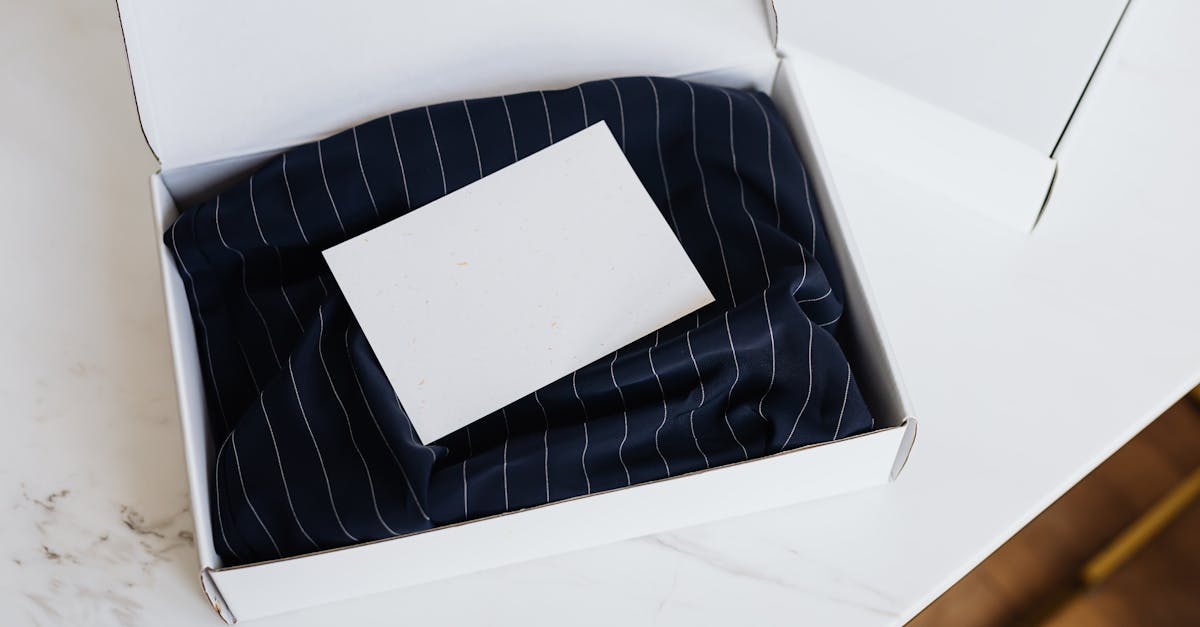
A care guide package insert is a printed card placed inside an order that gives the buyer care or usage help either directly on the card or through a QR code that opens a care guide page. The card can be as simple as one short instruction and one scan option.
That format works well because it meets customers where they already are. They have opened the box. They are looking at the product. They are more likely to use a care guide at that moment than they are to dig through an old order email.
For a candle brand, the card might include one short burn tip plus a QR code to a full candle care page. For a jewellery brand, the card might list two fast reminders on the card and link to a page with storage, cleaning, and tarnish-prevention advice. For skincare, a card can point to a patch-test or usage page. For apparel, it can link to washing and drying instructions.
In a typical OpoShop workflow, the insert becomes part of packing, not a separate marketing task. That makes it easier for small teams to keep the post-purchase experience consistent.
Why sending customers to a care guide matters
Sending customers to a care guide matters because good care instructions help the product perform the way the customer expects. That means fewer avoidable problems, fewer confused messages, and a better first impression after unboxing.
A care guide also gives the insert a real job. Too many package inserts try to do everything at once and end up saying nothing useful. A helpful card feels thoughtful. A vague promo card feels disposable.
This is especially useful for brands selling apparel, jewellery, candles, skincare, home goods, and handmade products. Those categories often come with small details that change the ownership experience. Wash cold. Keep away from moisture. Burn for two to three hours on the first use. Patch test before full use. Hand wash only. Those details are not filler. They shape how the customer experiences the product.
And there is a quieter benefit here. A care guide can reduce the chance that a customer blames the product for something that was really a usage issue. That does not mean the insert should sound defensive. It should sound helpful, calm, and clear.
How to use a package insert to send customers to a care guide
The best way to do this is to keep the insert focused: one clear care message, one obvious scan path, and only a small amount of extra information if it truly belongs there.
[[steps:Choose the care guide page|Send buyers to a dedicated page, not your homepage. A candle insert should open candle care. A jewellery insert should open jewellery care.; Write a clear headline|Use plain copy like "Care instructions" or "How to care for your candle" so the buyer knows exactly what the scan is for.; Add the QR code|Place the QR code where the eye lands easily, usually the lower half of the card with enough white space around it.; Keep the card short|Put only the most useful care tip on the card. Let the page hold the longer explanation, photos, or video.; Match the insert to the product|A business card can work for one scan action. A 4x6, 5x7, or A6 card gives you more room for a short tip plus a QR code and order details.]]
What should a care guide package insert say? Usually not much. A short headline, one or two lines of help, and a clear scan prompt is enough.
Weak: "Scan here for more info."
Stronger: "Keep your candle burning clean. Scan for full candle care and first-burn instructions."
That difference matters because the stronger version tells the customer what they get, not just what to do.
Personalization can help, but only if it stays out of the way. Adding the buyer's name or order number can make the insert feel tied to the order, especially for brands using inserts generated from live order data in their OpoShop store. Just do not let order details crowd the care message.
Need help deciding what your QR code should link to? Start with the action that helps the customer most right after unboxing.
[[button:Build care inserts|https://app.tryinsertly.com]]
Best ways to deliver care instructions: printed card vs QR code vs both
The best format depends on how much guidance the product needs, how often the instructions change, and how much room you have on the card. For many small brands, the strongest option is both: one short printed tip plus a QR code to the full guide.
| Option | Best for | Upside | Tradeoff |
|---|---|---|---|
| Printed card only | Very short, stable instructions | Fast to read, no scan needed | Limited space, hard to update |
| QR code only | Longer or changing care info | More room for detail, photos, and updates | Requires a scan |
| Printed card + QR code | Most apparel, jewellery, candles, skincare, and handmade products | Helpful right away and flexible later | Needs a clean layout |
Should you put the full care instructions on the card or link out with a QR code? If the instructions fit in two or three short lines and will not change, print them. If the instructions need steps, visuals, warnings, or product-by-product variations, send people to a page.
Size matters too. A business card insert works if the goal is one short line and one QR code. A 4x6 card is a strong middle ground for many OpoShop merchants because it gives enough room for a headline, one care tip, a QR code, and maybe one more action. A 5x7, A6, or A5 insert makes sense if you want more breathing room or if the product needs a little more explanation.
Can one insert include a care guide and a review or reorder QR code? Yes, but restraint helps. One care guide QR code plus one review or reorder option is usually enough. Three QR codes can work, but only if the card design makes the next step obvious.
Common mistakes when linking a package insert to a care guide
The most common mistakes are not technical. They are clarity problems.
The first mistake is vague CTA copy. "Scan me" is cute, but it does not tell the buyer why the scan matters. "Scan for full jewellery care" is clearer and more useful.
The second mistake is too much text. A package insert is not the place for a full instruction manual. Put the short version on the card and the longer version on the care guide page.
The third mistake is a hard-to-scan QR code. Tiny codes, low contrast, or crowded placement hurt scan rates. Give the code space. Put it somewhere easy to see, usually below the main message or beside a short instruction block.
The fourth mistake is sending customers to a generic homepage. That adds friction right when the customer is trying to get help. A candle care insert should open a candle care page. A skincare insert should open usage directions. A generic homepage makes the insert feel more promotional than helpful.
The fifth mistake is mixing too many goals on one card. A care guide, a review ask, a newsletter signup, a discount code, and a social follow can all fit. In real life, that usually turns into clutter. If you sell on OpoShop, keep the insert tied to the product experience first, then add only one or two extra actions that make sense.
What we recommend for small ecommerce brands
For most small ecommerce brands, we recommend a branded insert with a short care message on the card and a QR code to a dedicated care page. That setup gives the buyer instant help and gives your team room to update the full instructions later without reprinting every word.
A 4x6 or A6 insert is often the sweet spot. It gives enough room for a headline, one short care tip, a QR code, and one extra action like a review page or reorder offer. Business card size can work, but only for very simple products and very short copy.
If you use more than one QR code, keep the care guide first. Put the care guide in the most visible spot, then place a review or reorder code below it or on the back if your insert format allows it. The card should answer one question fast: what should the customer do next with this product?
For OpoShop merchants, this setup also fits real packing workflows. You can generate inserts for a single order when you need something product-specific, or batch a whole date range before a packing session if you want speed.
Best answer: Use a branded package insert that gives one short care instruction on the card and sends the customer to a dedicated care guide page with a QR code. Keep the care message helpful, not salesy. If you add anything else, add only one extra action that naturally fits the unboxing moment, like a review page or a reorder offer.
If you want your inserts to include care-guide QR codes, personalized order details, and print-ready sizes that fit your packing flow, this is a good place to start.
[[button:Create care inserts|https://app.tryinsertly.com]]
FAQs
Should I print the care instructions on the insert or send people to a page?
Print the care instructions on the insert if the message is short and unlikely to change. Send people to a page if the product needs more detail, photos, video, or product-specific guidance. Many brands do both: one short printed tip plus a QR code to the full guide.
What should a QR code on a thank you card link to?
A QR code on a thank you card should link to the next thing the customer actually needs. For products with care or usage needs, the best destination is often a care guide page. If care is already clear, a review page, reorder page, or newsletter signup can make sense.
Can I add more than one QR code to a package insert?
Yes, you can add more than one QR code to a package insert, but most small brands should stop at one or two. A care guide plus one review or reorder action is usually enough. More than that can make the card feel busy and lower scan rates.
What should I include on a care card for handmade products?
A care card for handmade products should include the product name or category, one or two short care instructions, and a clear path to fuller guidance if needed. Handmade products often benefit from a QR code because the full care page can explain materials, cleaning, storage, or usage in more detail.
How do I add a QR code to a package insert?
Add a QR code to a package insert by choosing the exact page you want customers to open, generating the code for that page, and placing it on the card with enough white space to scan easily. In a packing workflow tied to your OpoShop store, it also helps to keep the code in a consistent spot across insert designs so your team can pack faster.
Summary
Yes, you can use a package insert to send customers to a care guide, and for many brands it is the cleanest way to make post-purchase help feel useful instead of pushy. The strongest version is usually simple: a short care message on the card, a QR code to a dedicated care page, and only one extra action if it belongs there.
That setup works well for apparel, jewellery, candles, skincare, home goods, and handmade products. It also fits how small teams actually pack orders in a busy OpoShop store.
Create branded package inserts with care-guide QR codes, personalized order details, and print-ready trim sizes so every shipment includes a useful post-purchase.
[[button:Start care inserts|https://app.tryinsertly.com]]